 Kalua
Simple, organized shift management
Kalua builds a fair schedule automatically, by workload, days off and harder and easier shifts, and checks it against your rules before you publish. Requests and hours, all in one place.
Get in touch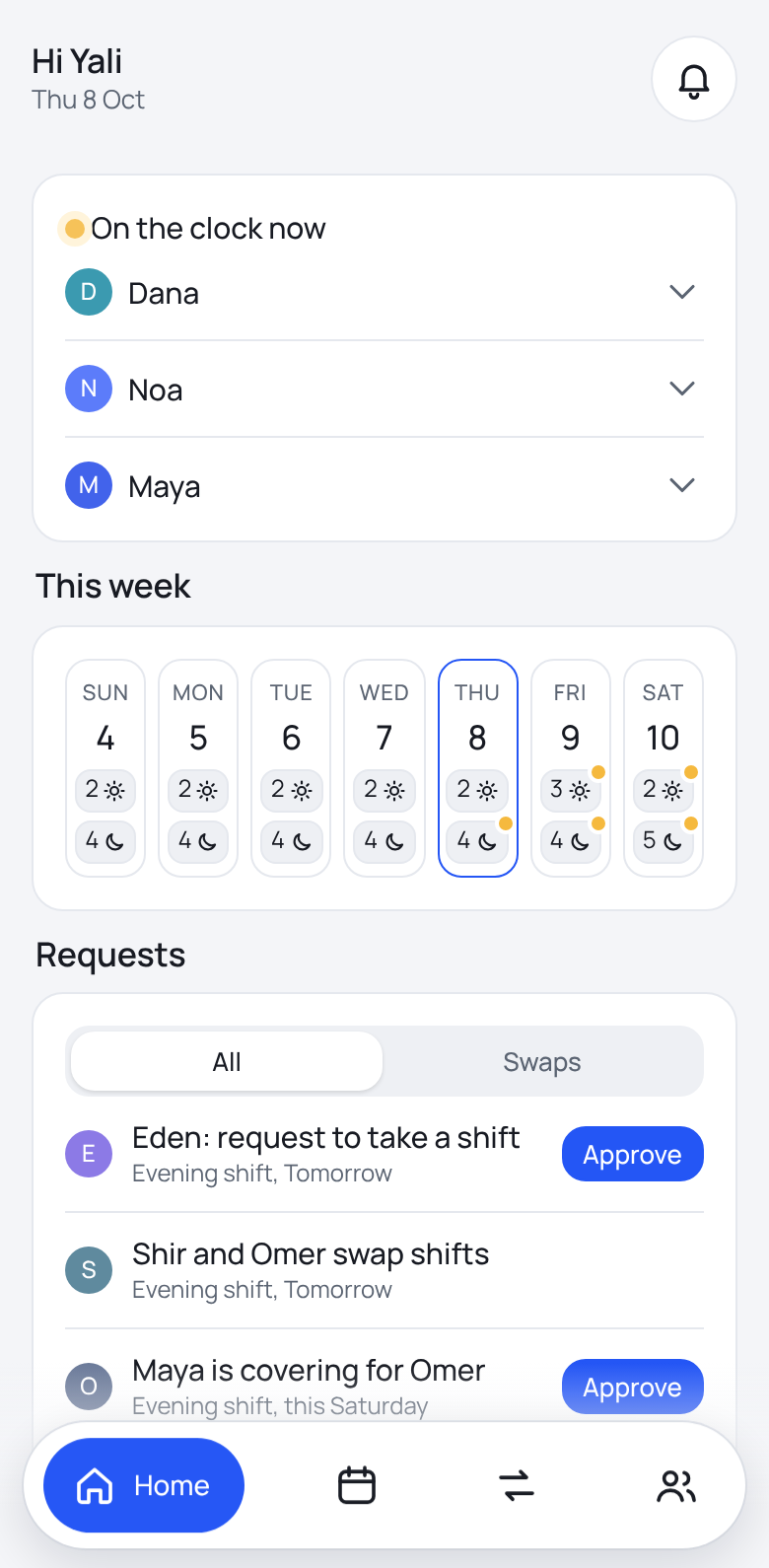
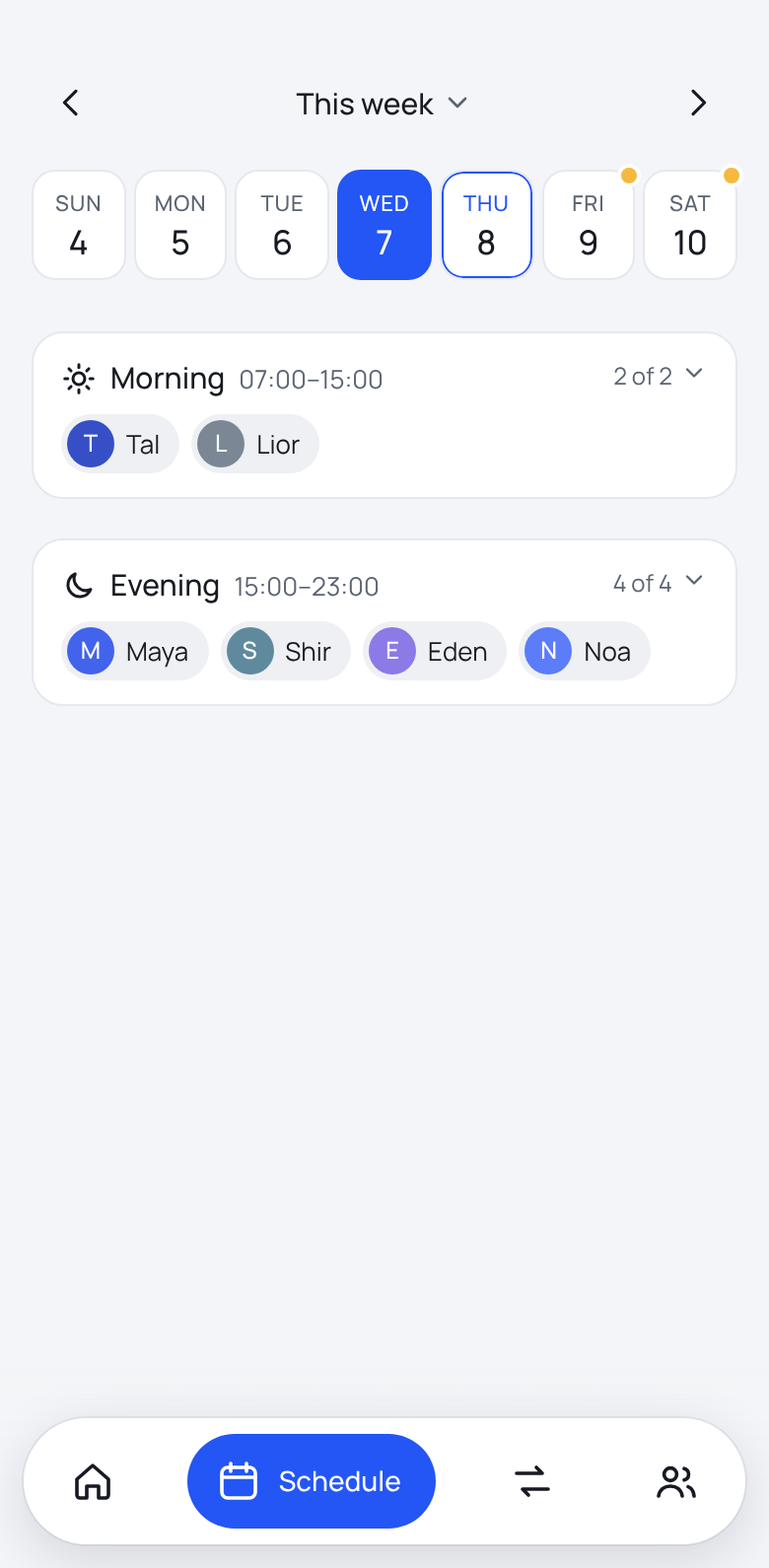
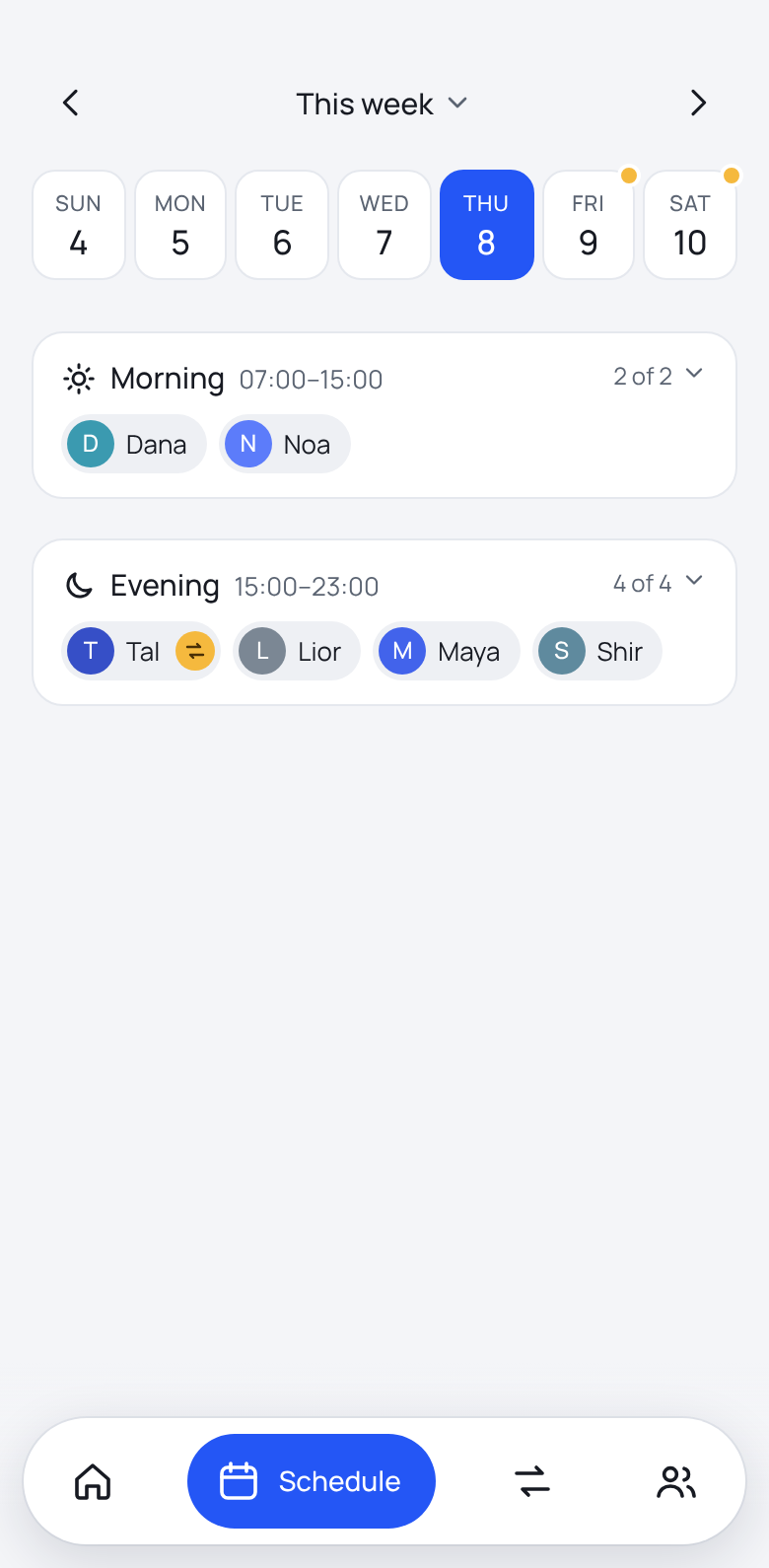
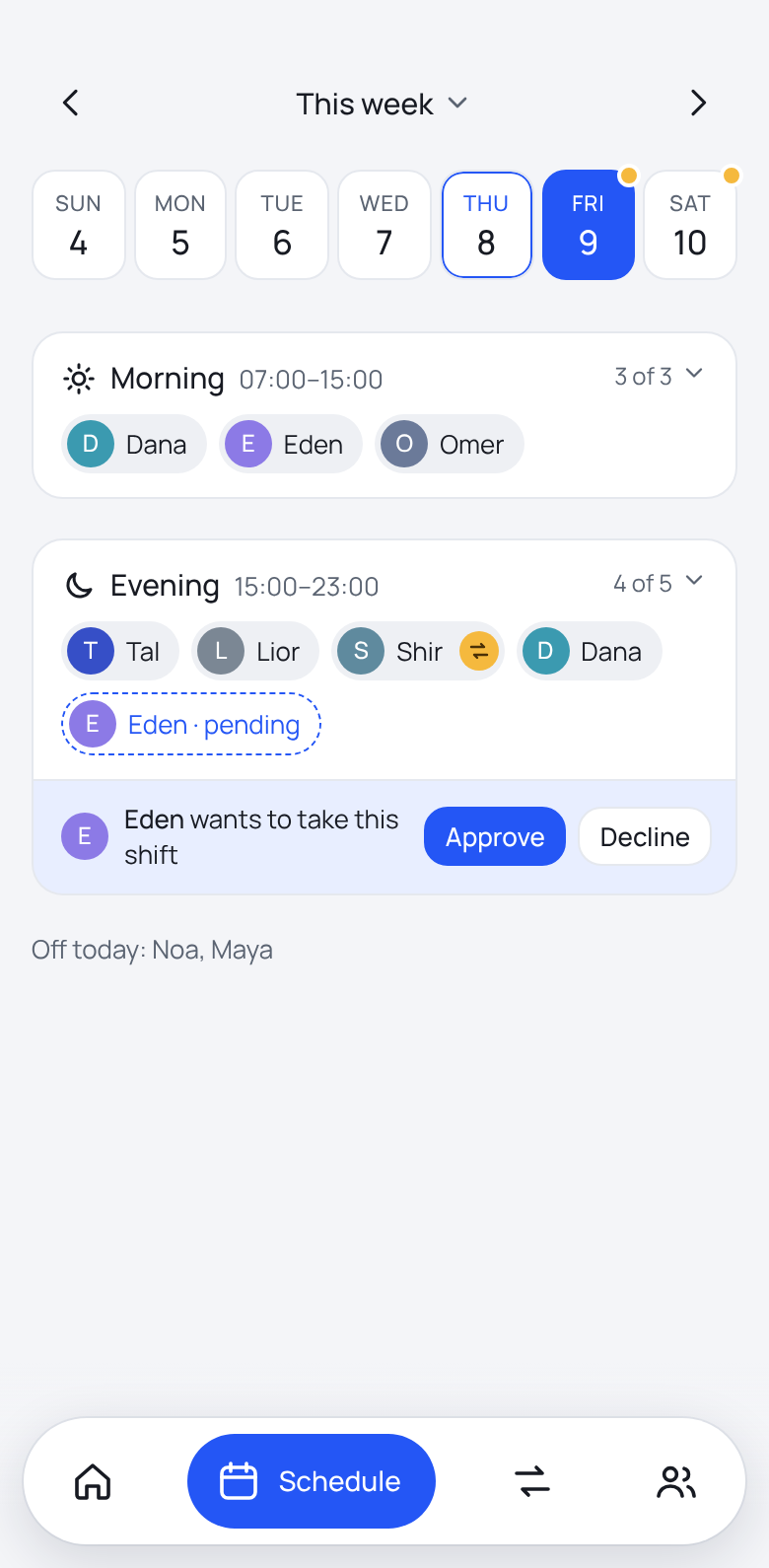
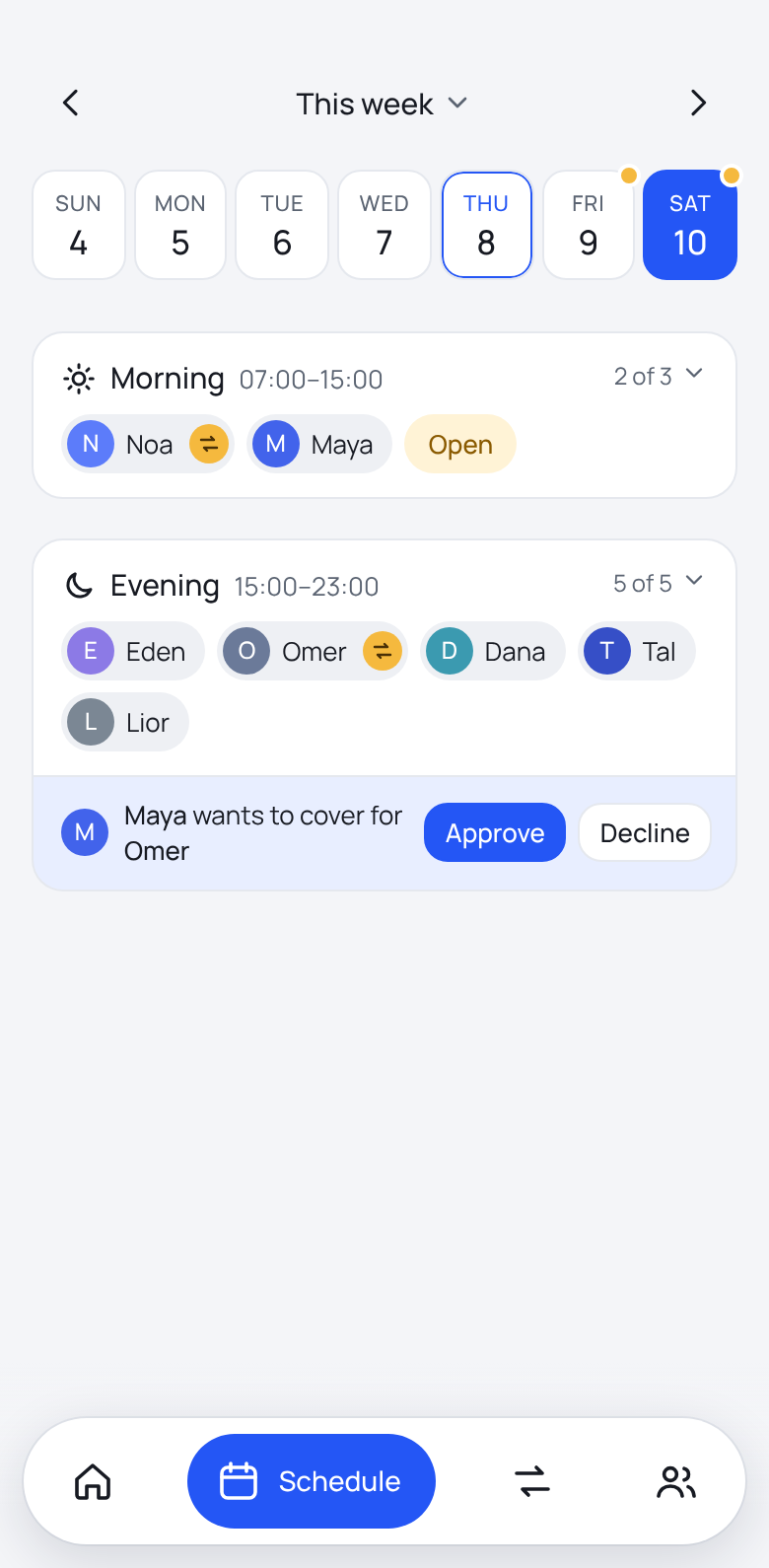
Everything at a glance
Who is on shift right now, the week ahead and the requests waiting for you, right on the home screen.
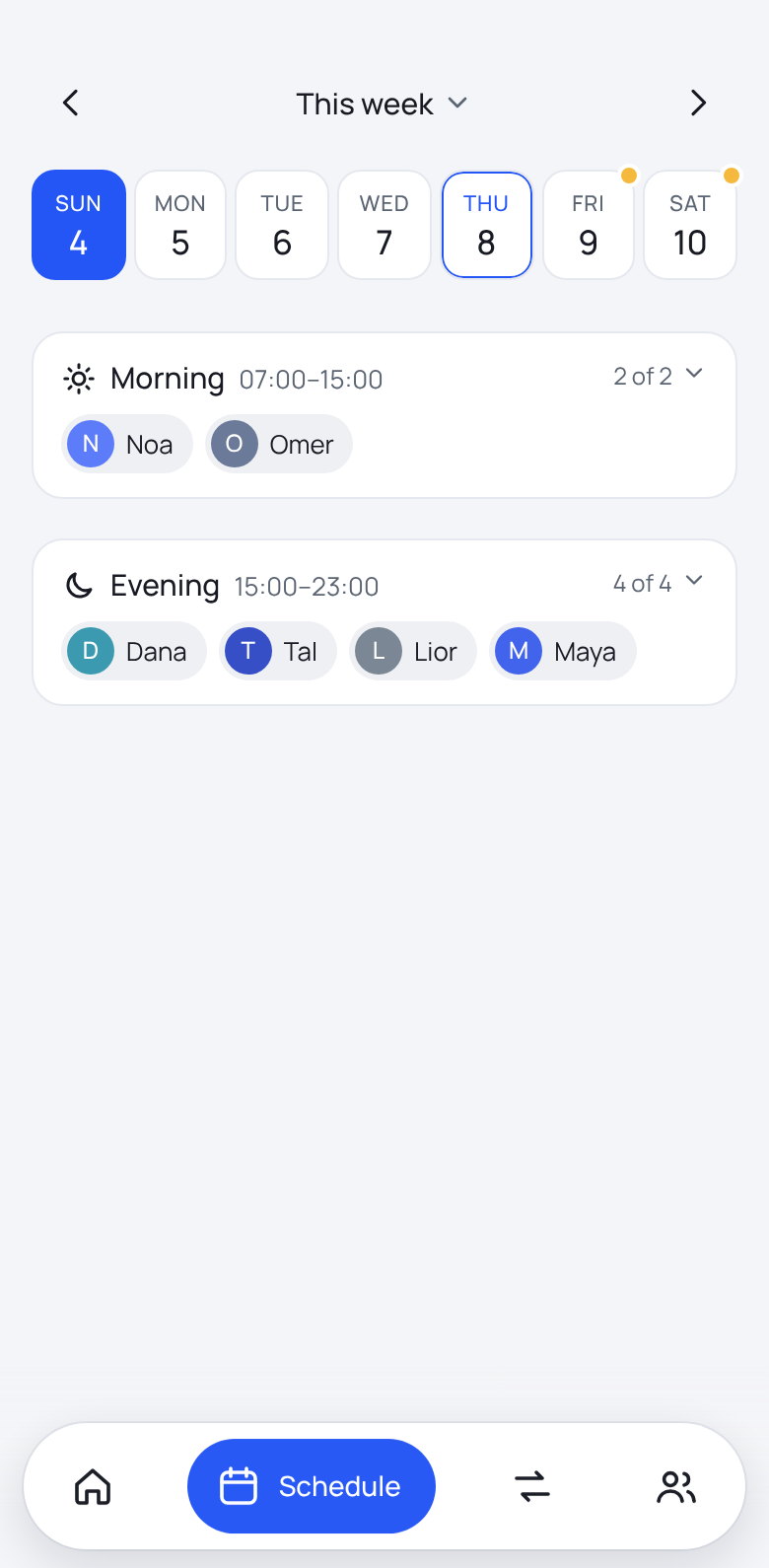
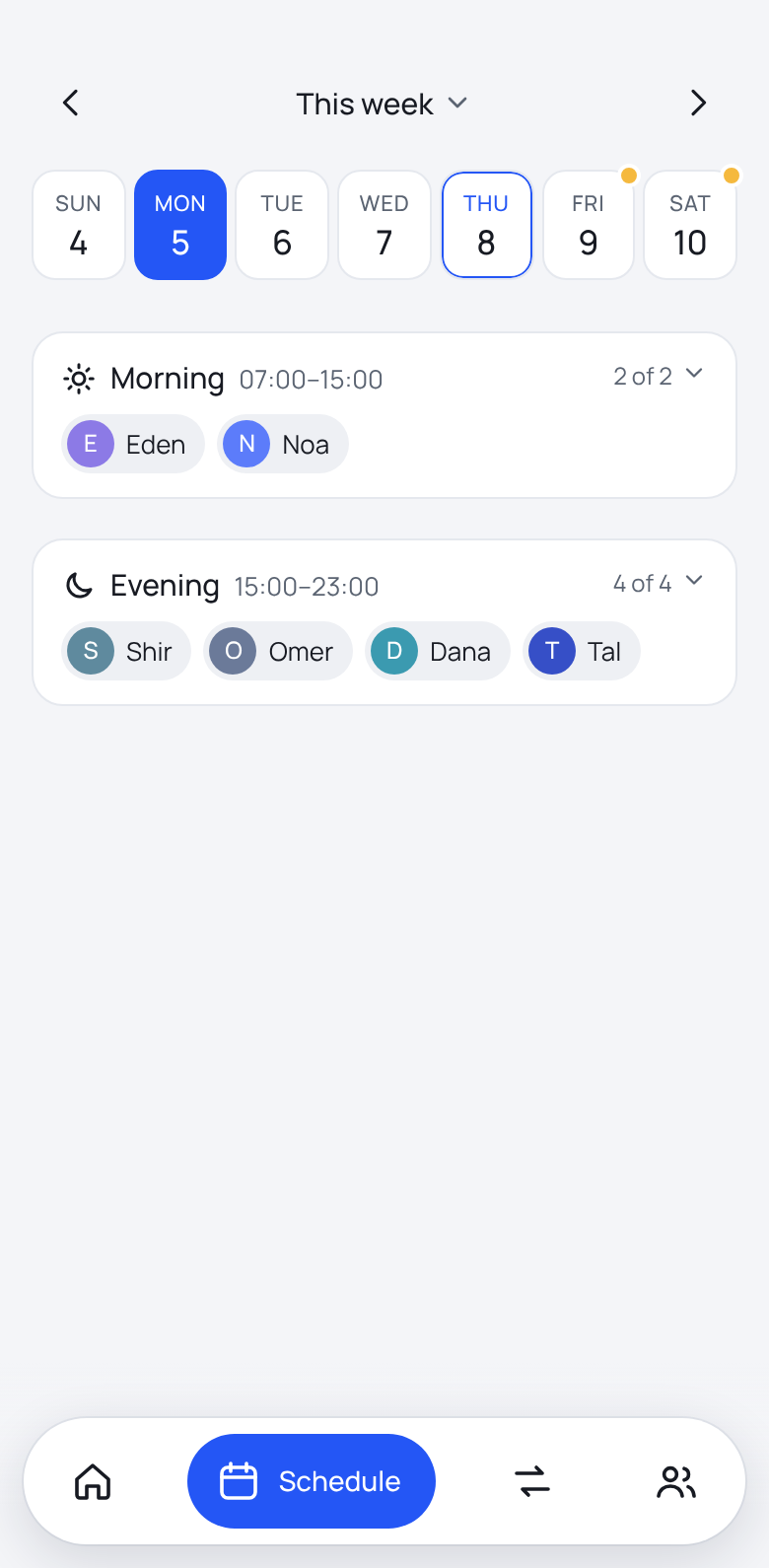
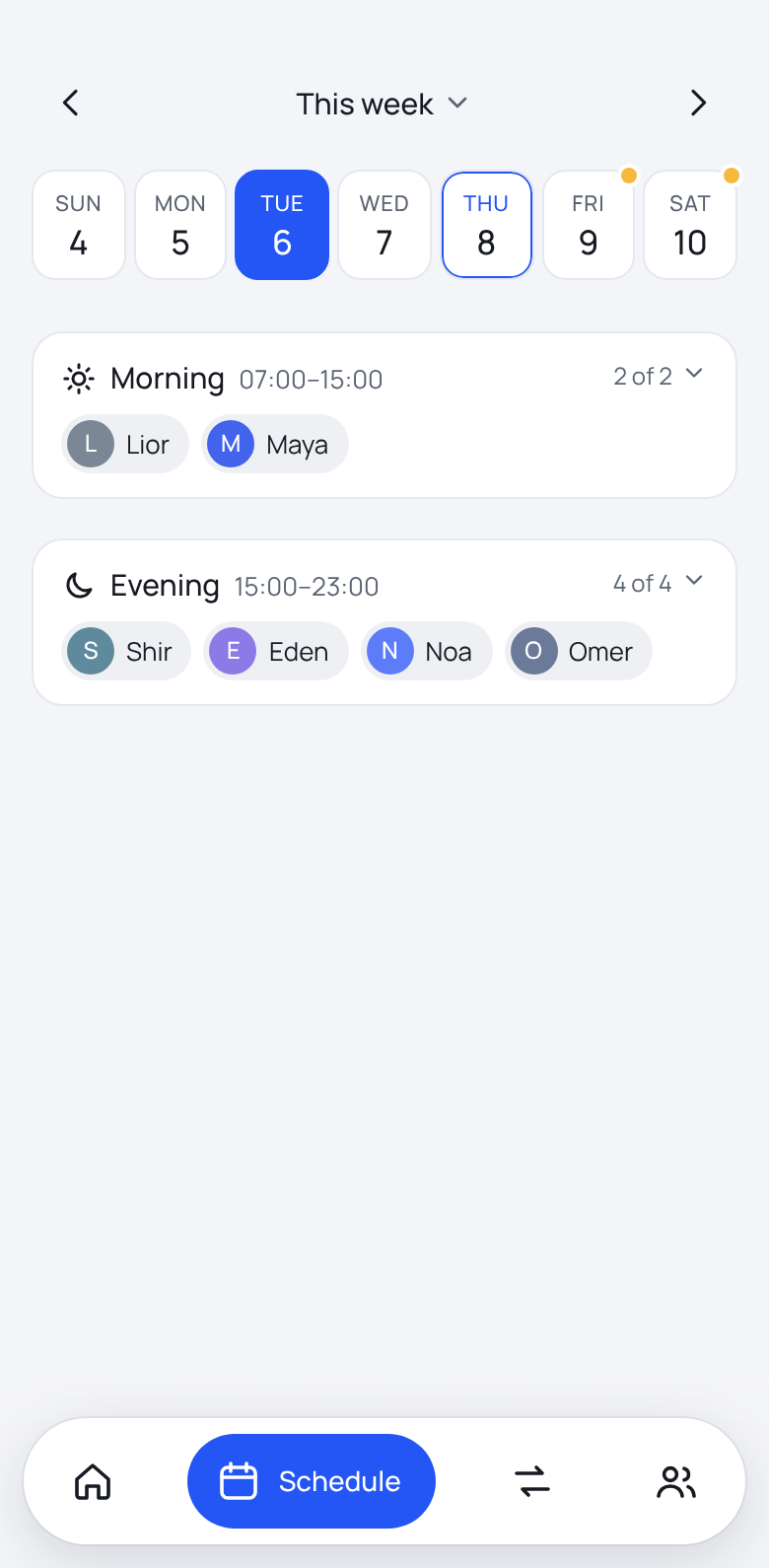
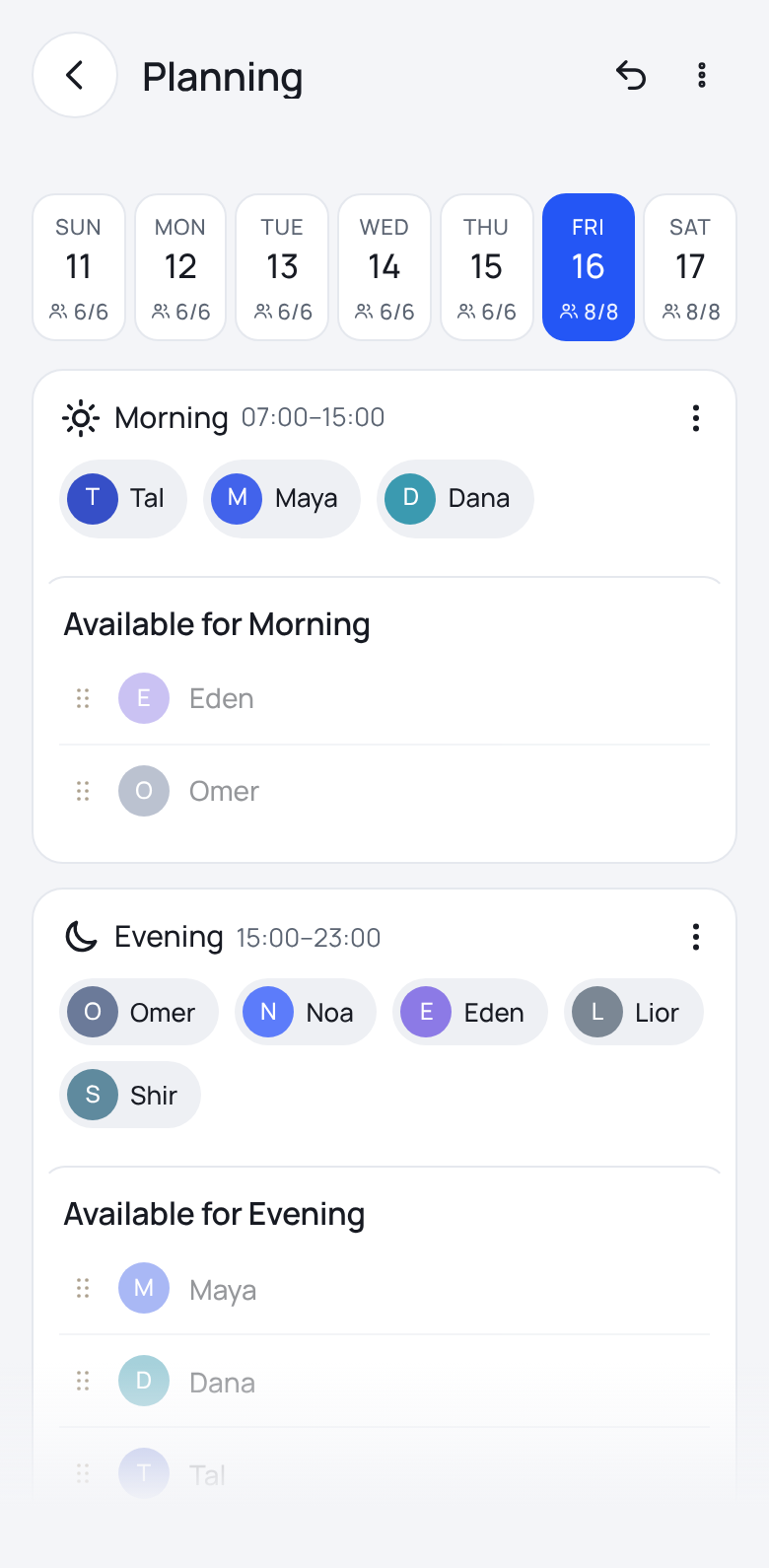
The weekly schedule on one screen
See the whole week and who is on each shift. Publish when ready, and every worker is notified.
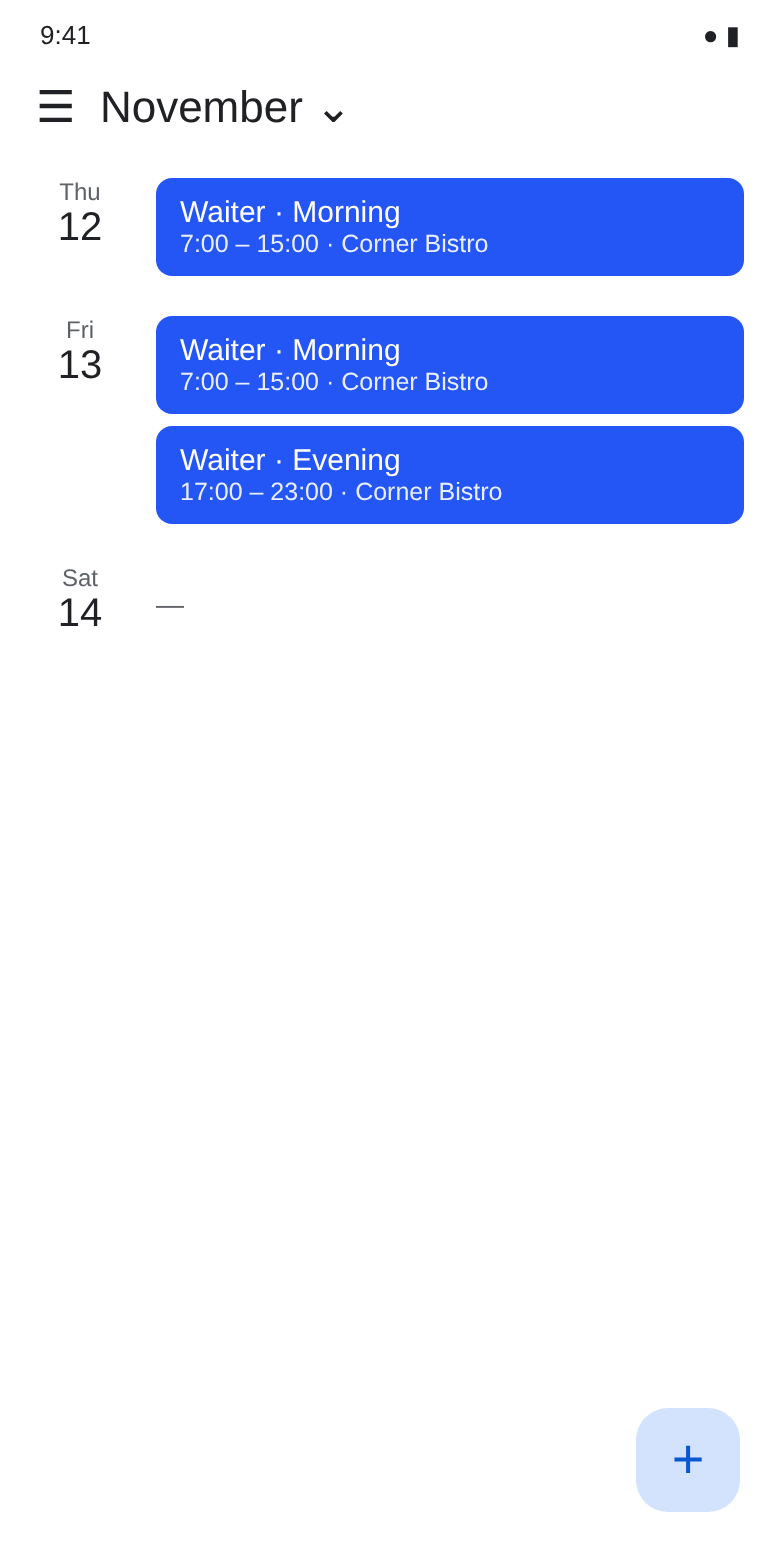
On your calendar too
Connect the schedule to your phone calendar, so the shifts appear there and stay in sync in real time.
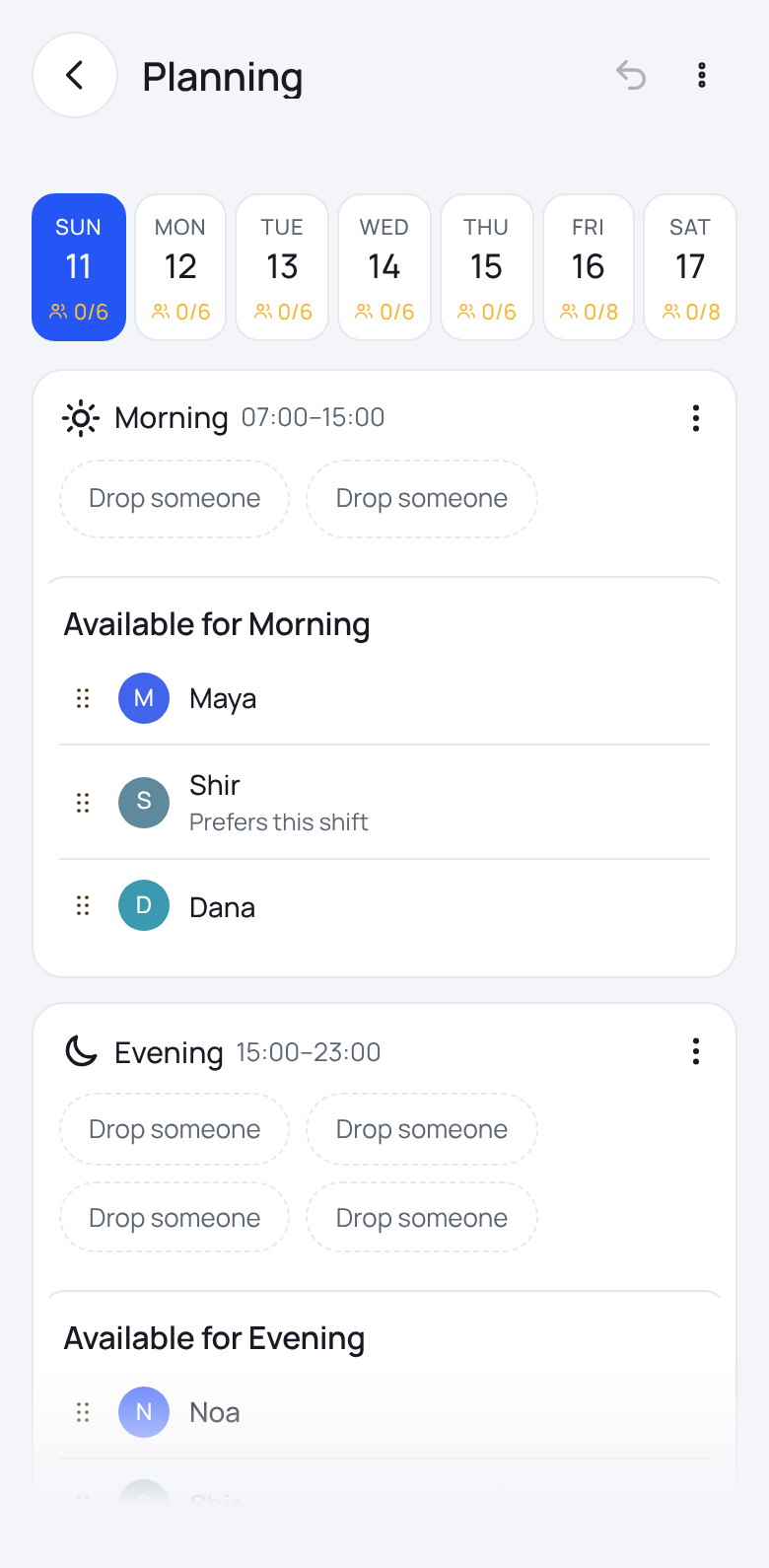
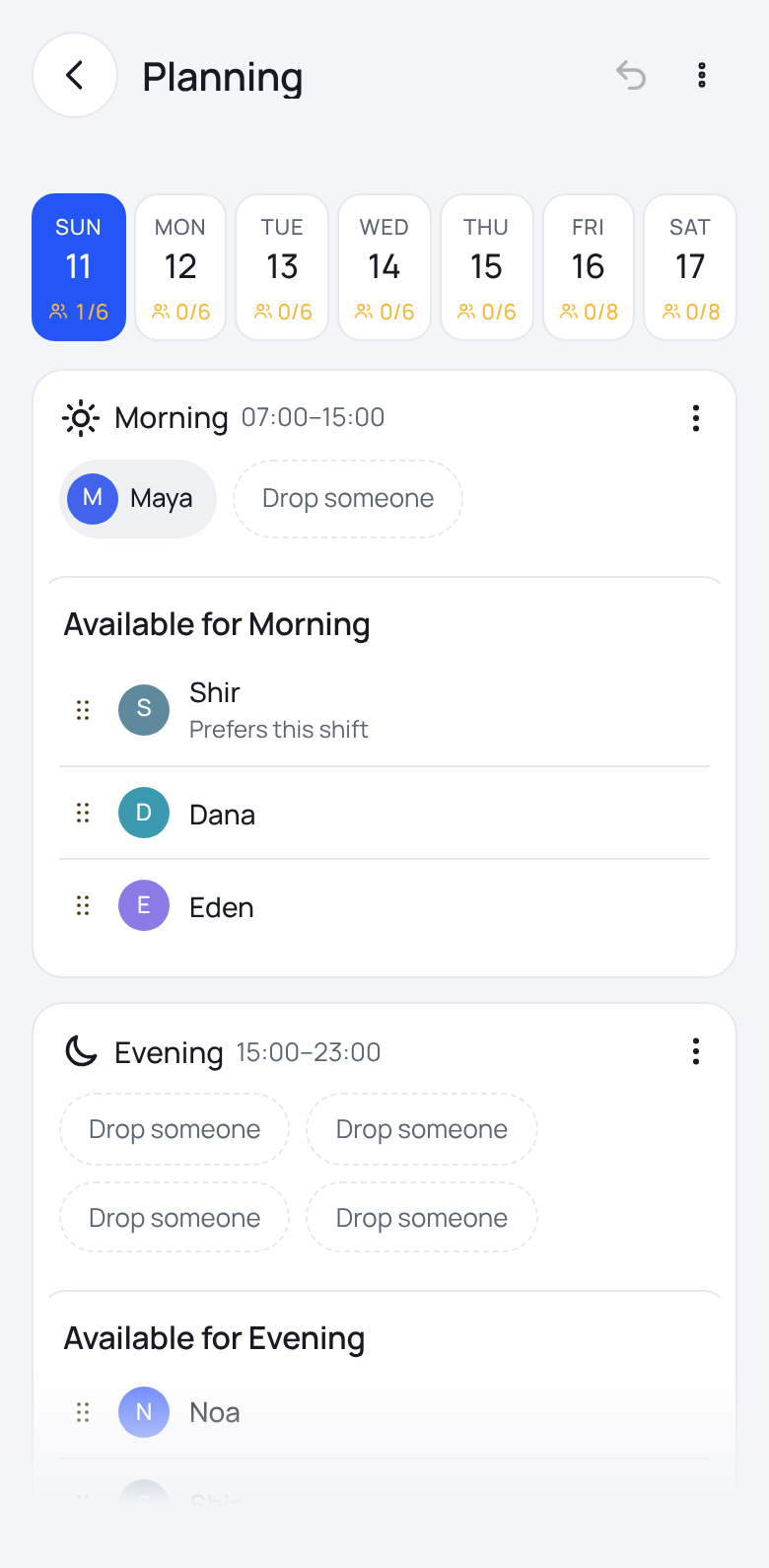
Put someone on a shift
Drag someone from the available list into a shift. A note beside each name shows things like preferences and days-off requests.
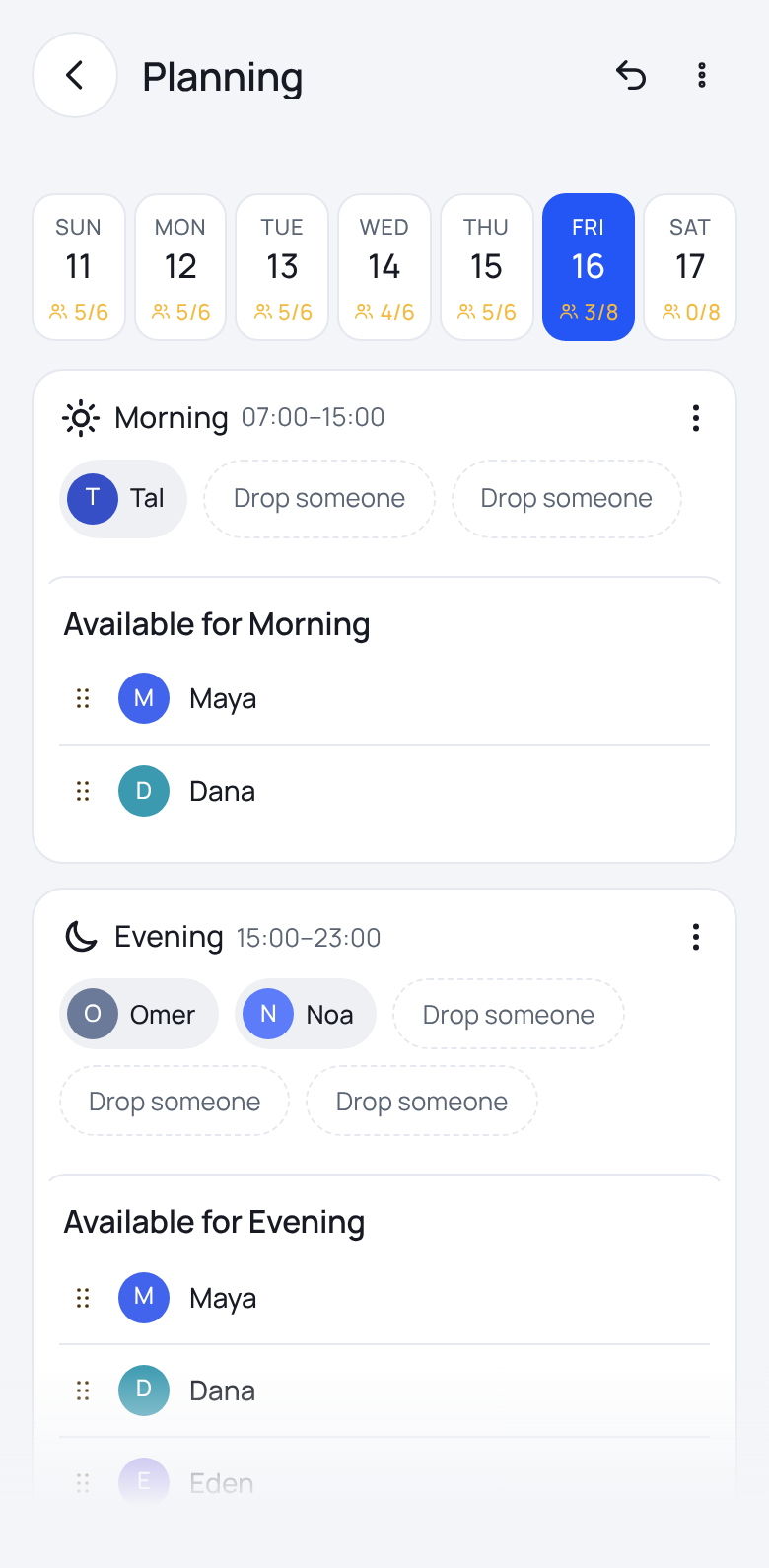
Automatic planning
One tap fills the week. Every spot left open shows the reason, and you can undo at any point.
Fairness and statistics
Kalua collects these numbers automatically from the schedule and the recorded hours: workload, weekends and night shifts, over the last 8 weeks. You can follow each worker against the team average, plan accordingly, and keep the split fair over time. Automatic planning takes them into account and warns about problems before you publish.
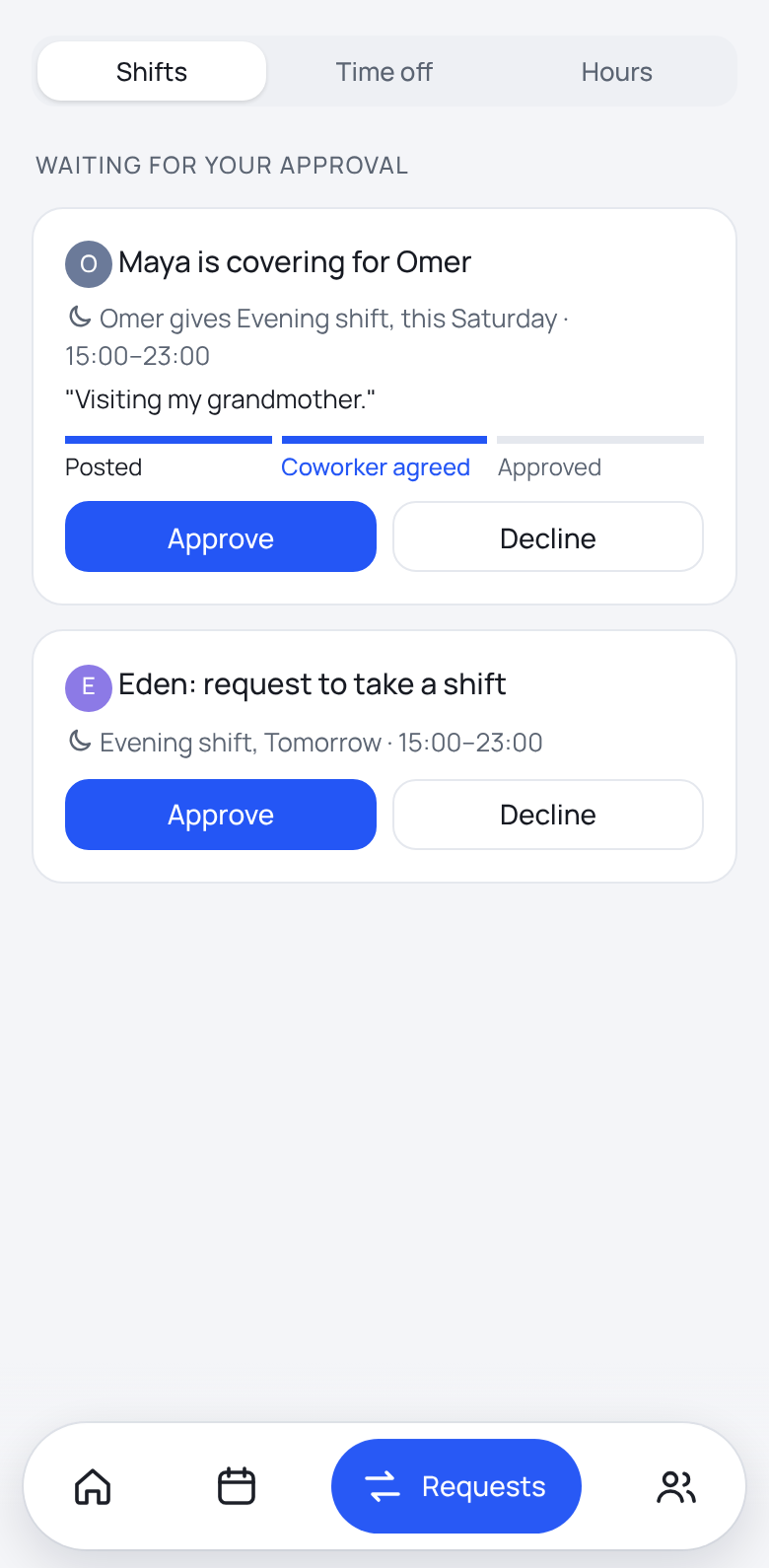
Requests and swaps in one place
Shift swaps, days off and time corrections reach you directly. Approve or decline in a tap, and the worker gets an answer.
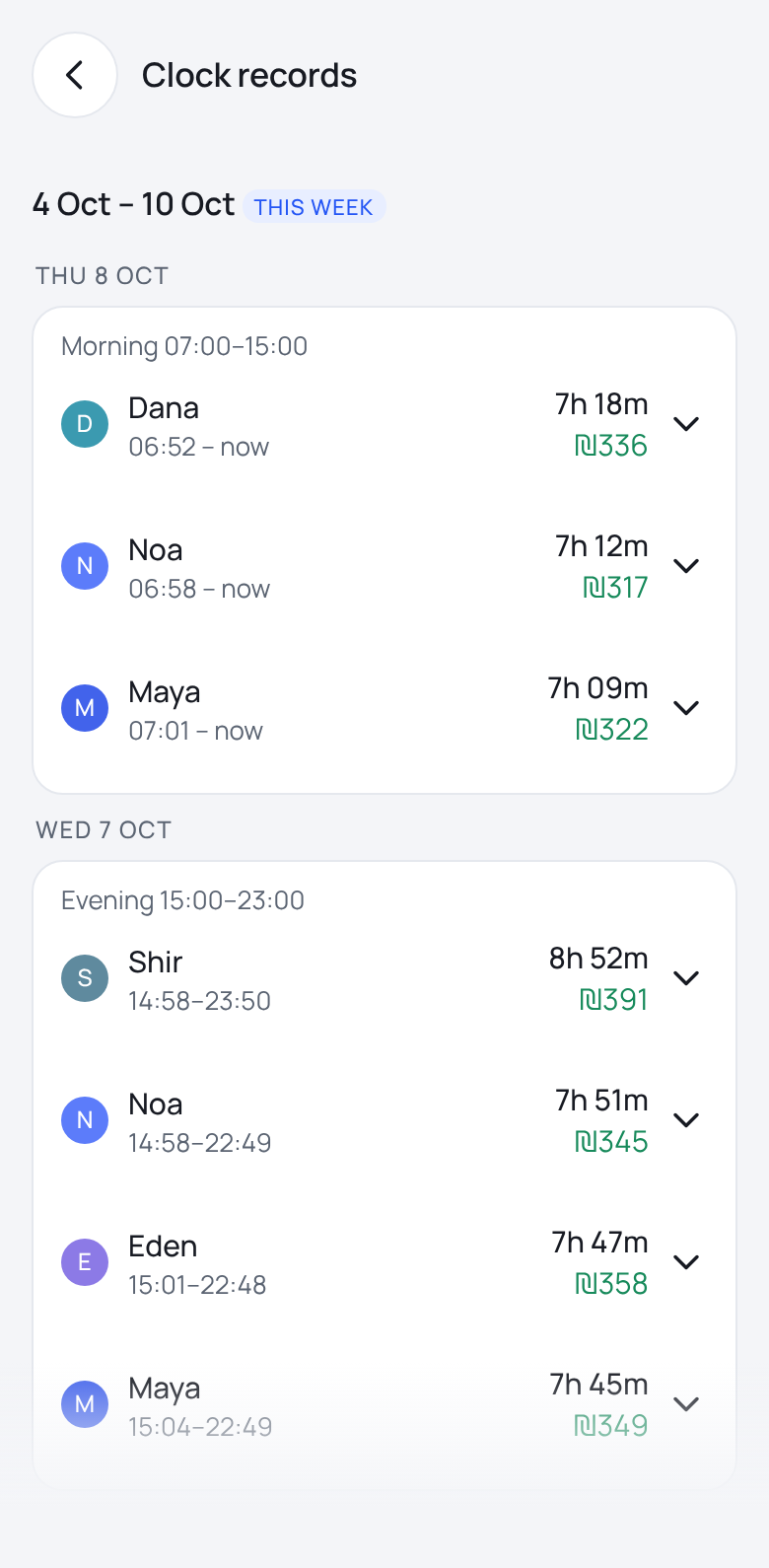
Accurate work hours, as recorded
Hours are recorded live. Clock-in is a tap on a chip at the workplace with a location check, so the hours can be trusted. Pay is calculated from what was recorded.
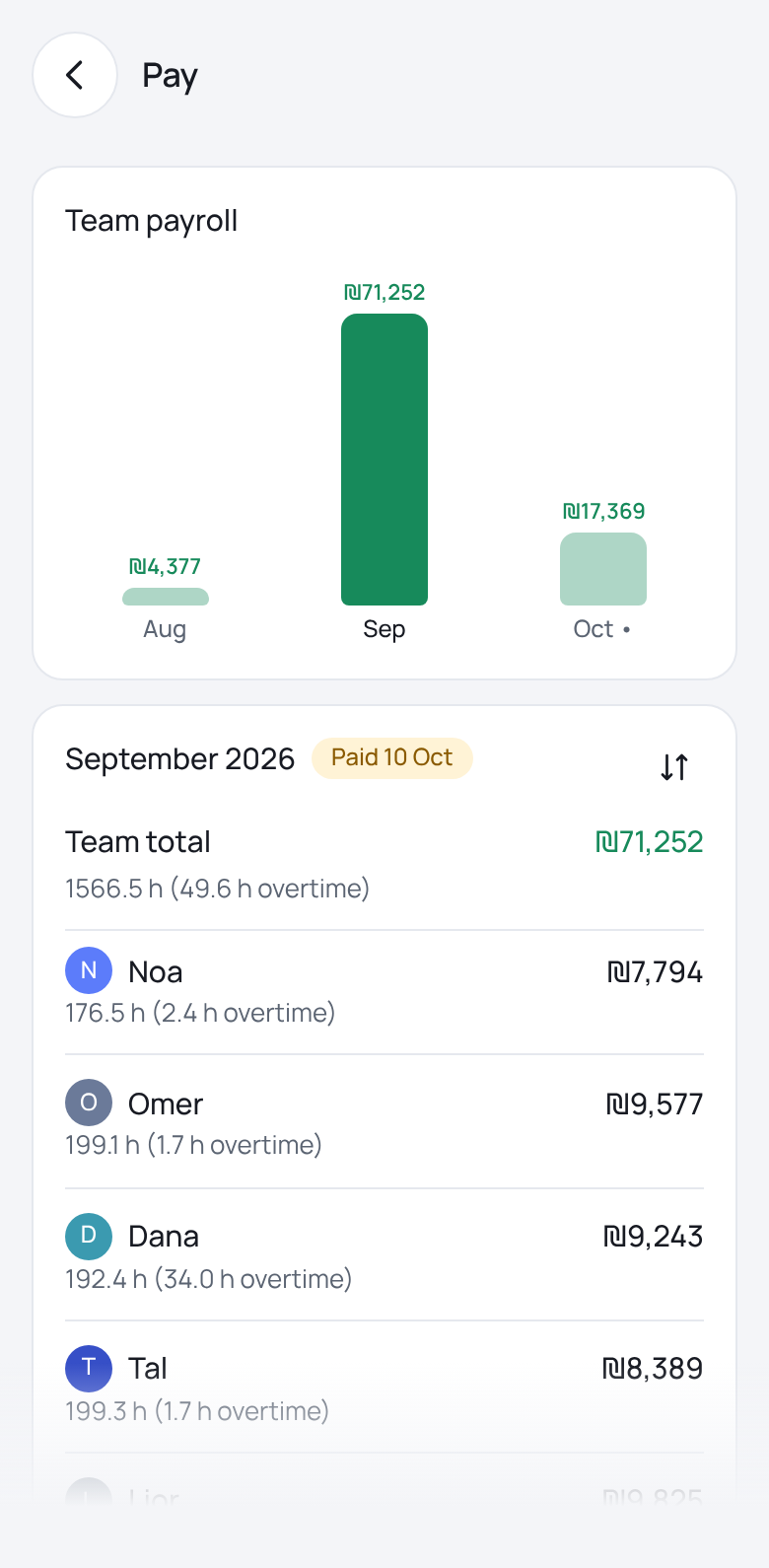
Team payroll at a glance
See what each worker has earned this month, including overtime, and when payday is. It is all calculated from the recorded hours, and you can move between months.
You can also export it as a sheet.
What makes Kalua special
- A fair schedule, by workload, weekends and days off
- Easy for workers, all on the phone
- Secure clock-in with a tap on a chip
- A location check at clock-in and clock-out
- Hours as recorded, in real time
- Unusual records wait for your approval before pay
- Shifts on the phone calendar too
- The whole team's availability in one place
- Workers are notified when the schedule is published
- Swap or day-off requests in a tap
- Approve requests in a tap
- Hebrew and English, with full right-to-left
Want to hear more?
Leave your details and we will get back to you.